Pregnancy and baby tracker
Your pregnancy week by week, then your baby’s first years
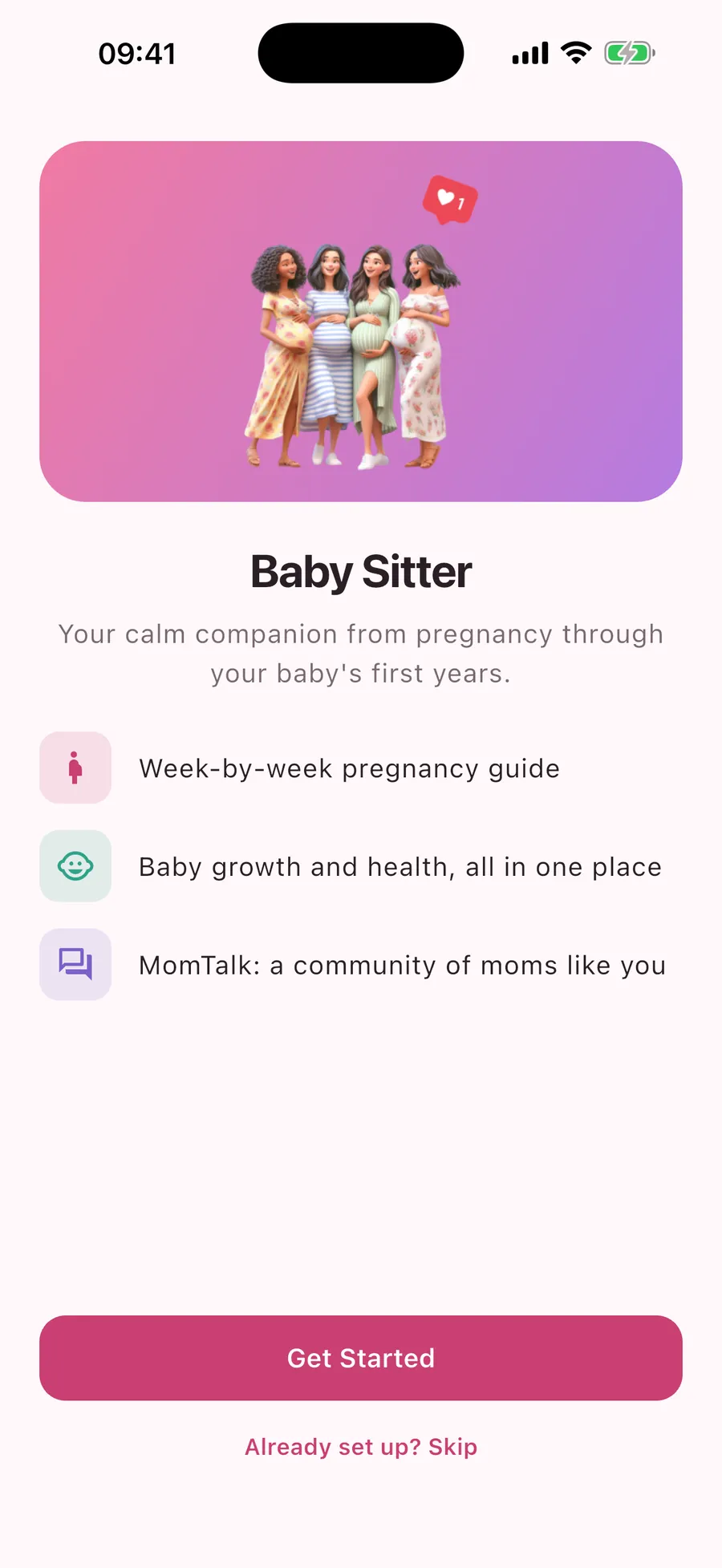
See what changes each week, log your baby’s growth, keep vaccines and reminders in one calendar and ask other moms on MomTalk. Free on iPhone and Android.
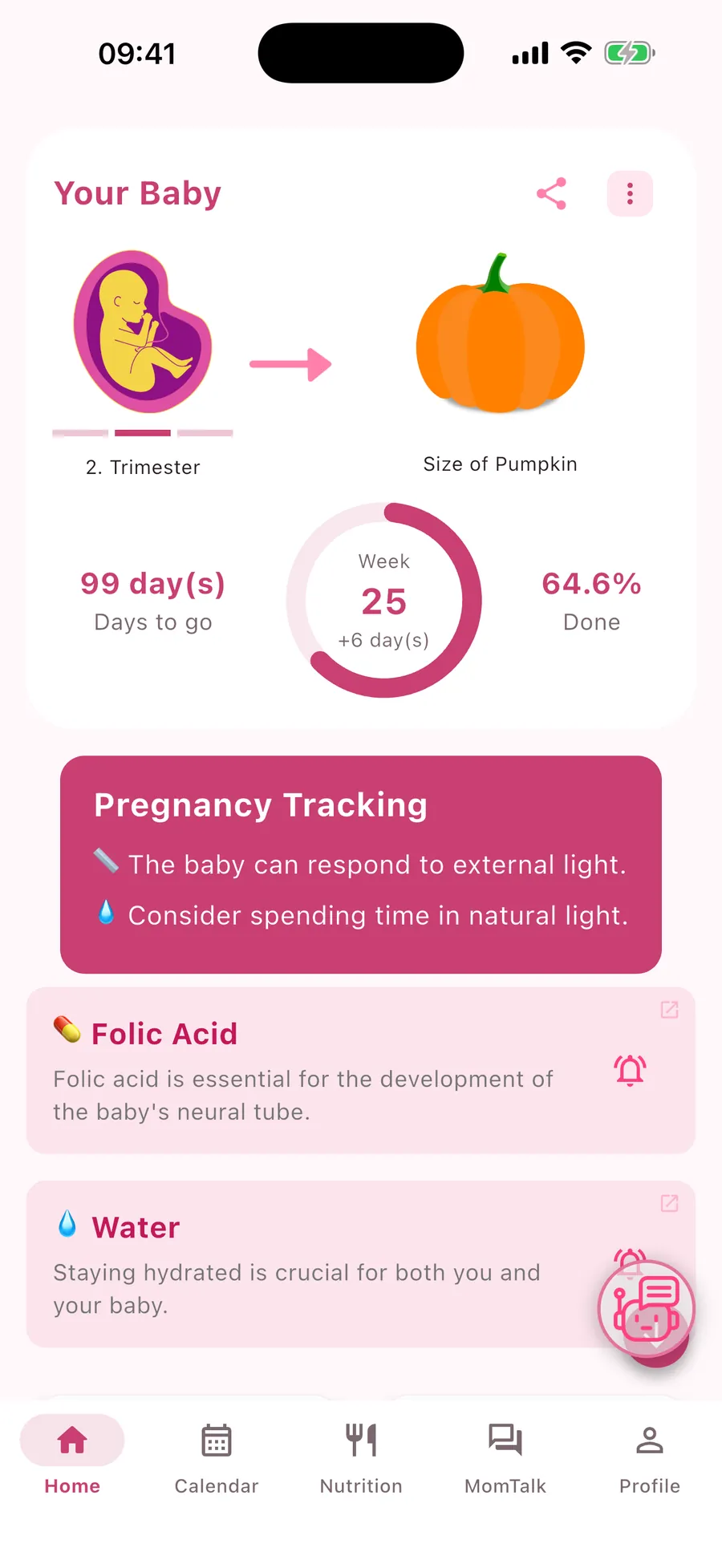
- Days to go, trimester and progress at a glance
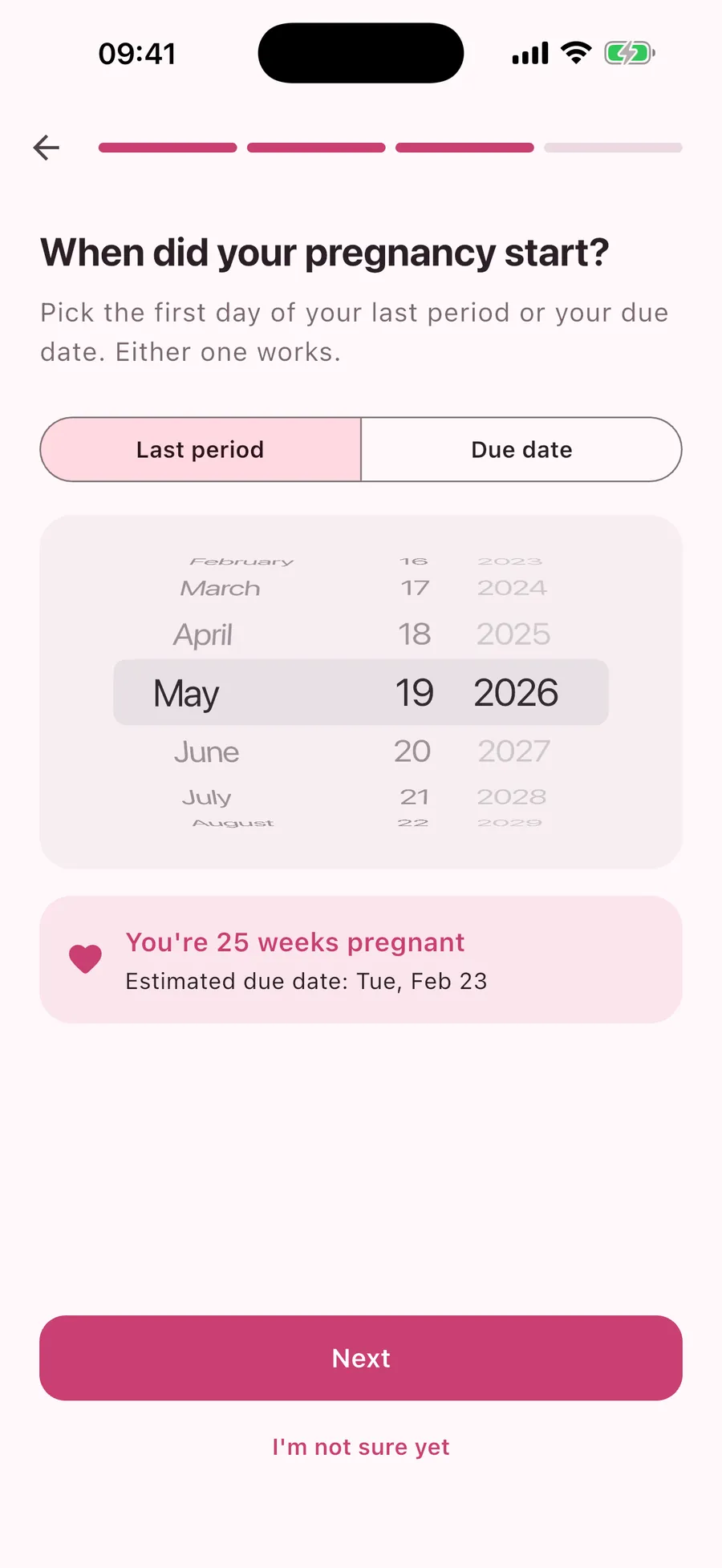
- Due date from your last period or the date your doctor gave you
- No account or email needed
- Available in 15 languages
Features
Everything in one app, from the first weeks on
Your baby’s growth
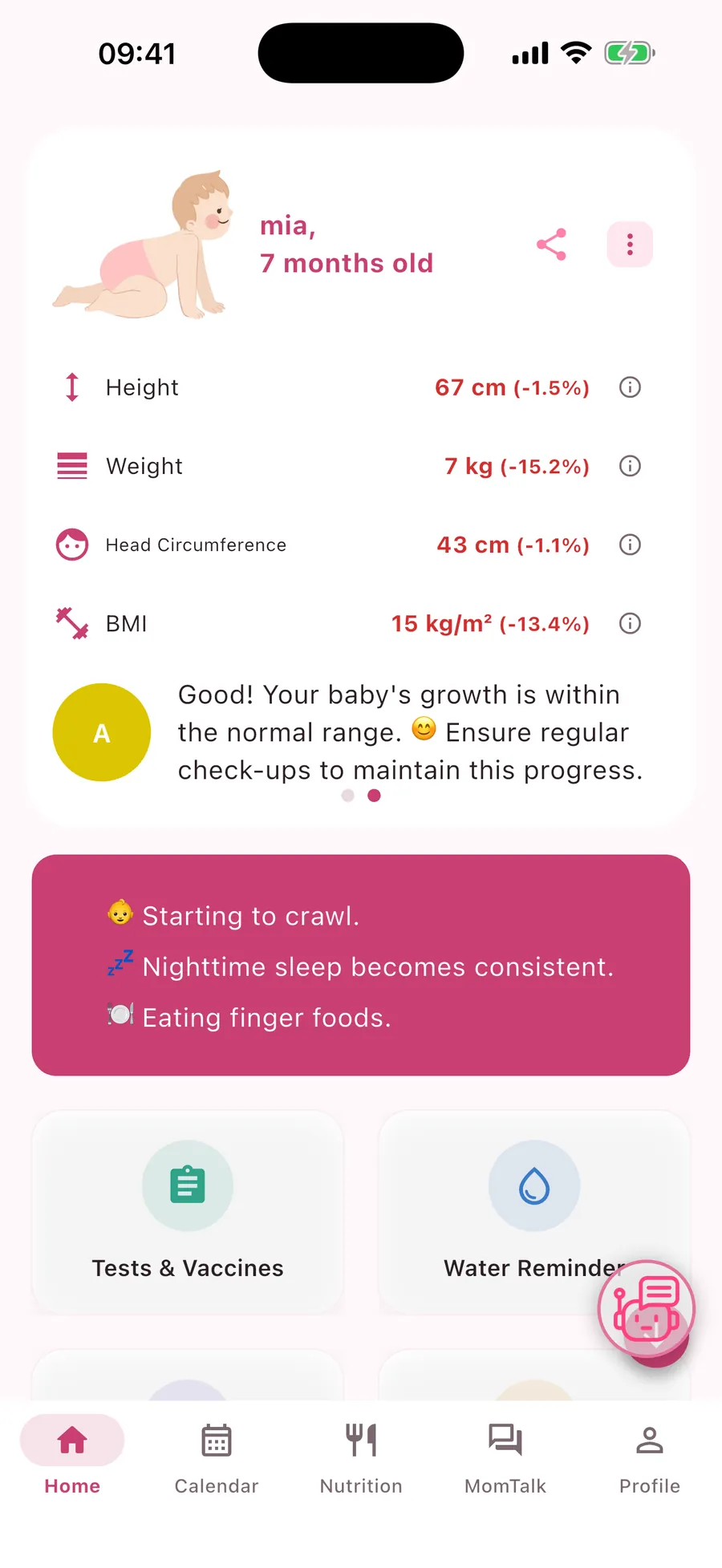
Log height, weight and head circumference and compare them with WHO growth references.
- A short note on how your baby is growing
- Tests and vaccines listed by month
- Development and common challenges for each month
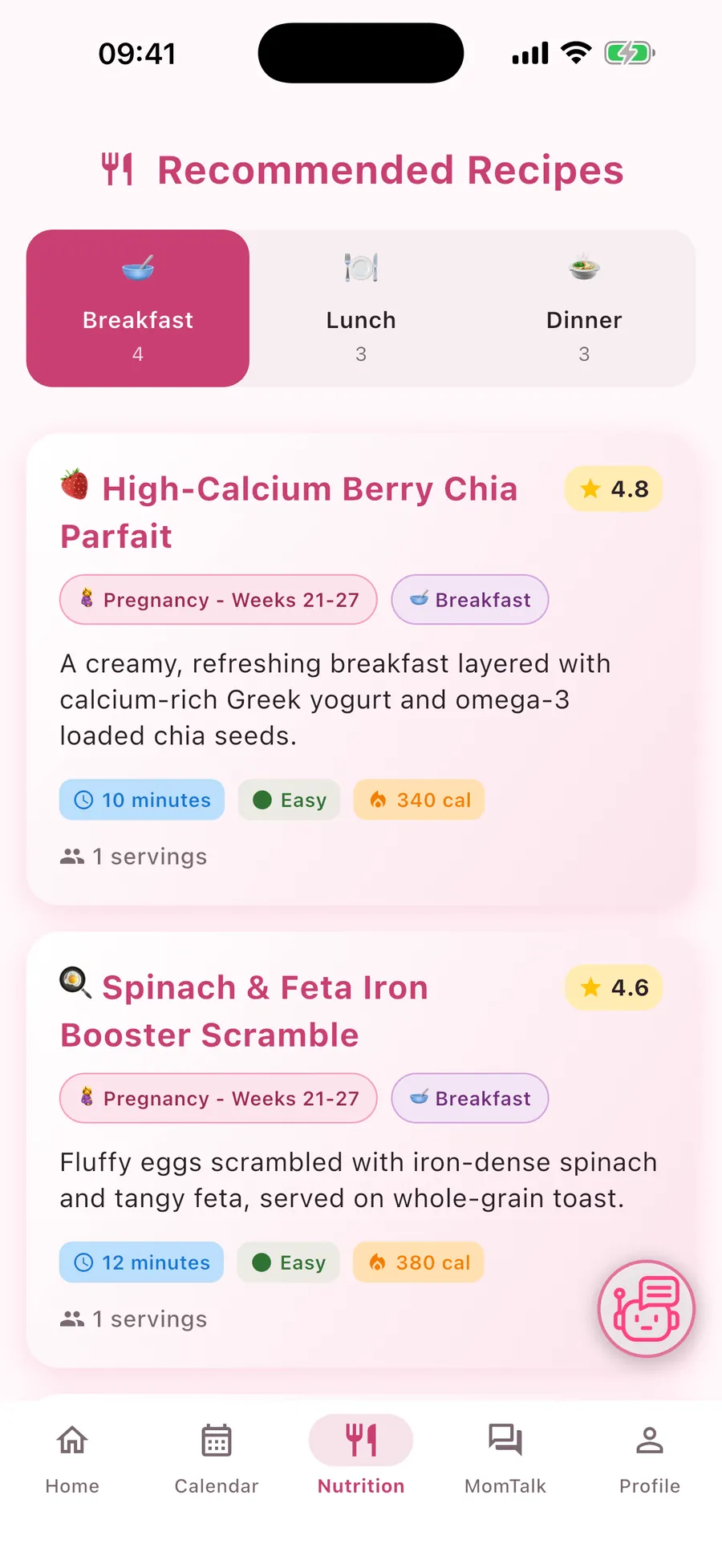
Nutrition and recipes
Meal ideas that match your week of pregnancy or your baby’s age.
- Breakfast, lunch and dinner suggestions
- Preparation time, difficulty and calories on every recipe
- Tips on folic acid, omega-3, calcium and water
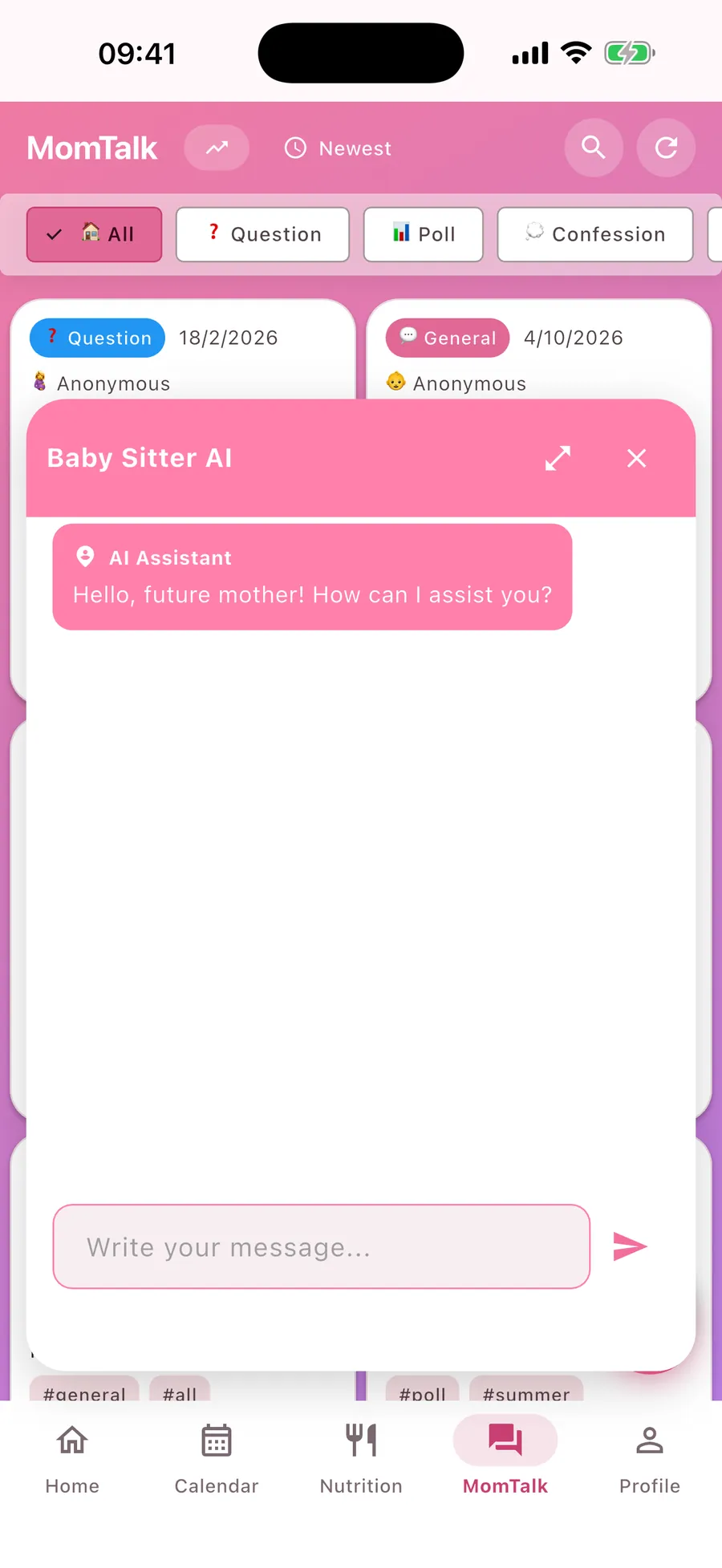
AI assistant
Ask everyday questions about pregnancy and baby care and get a quick, friendly answer.
- Answers in the language you use the app in
- General information, not medical advice
- If something worries you, talk to your doctor
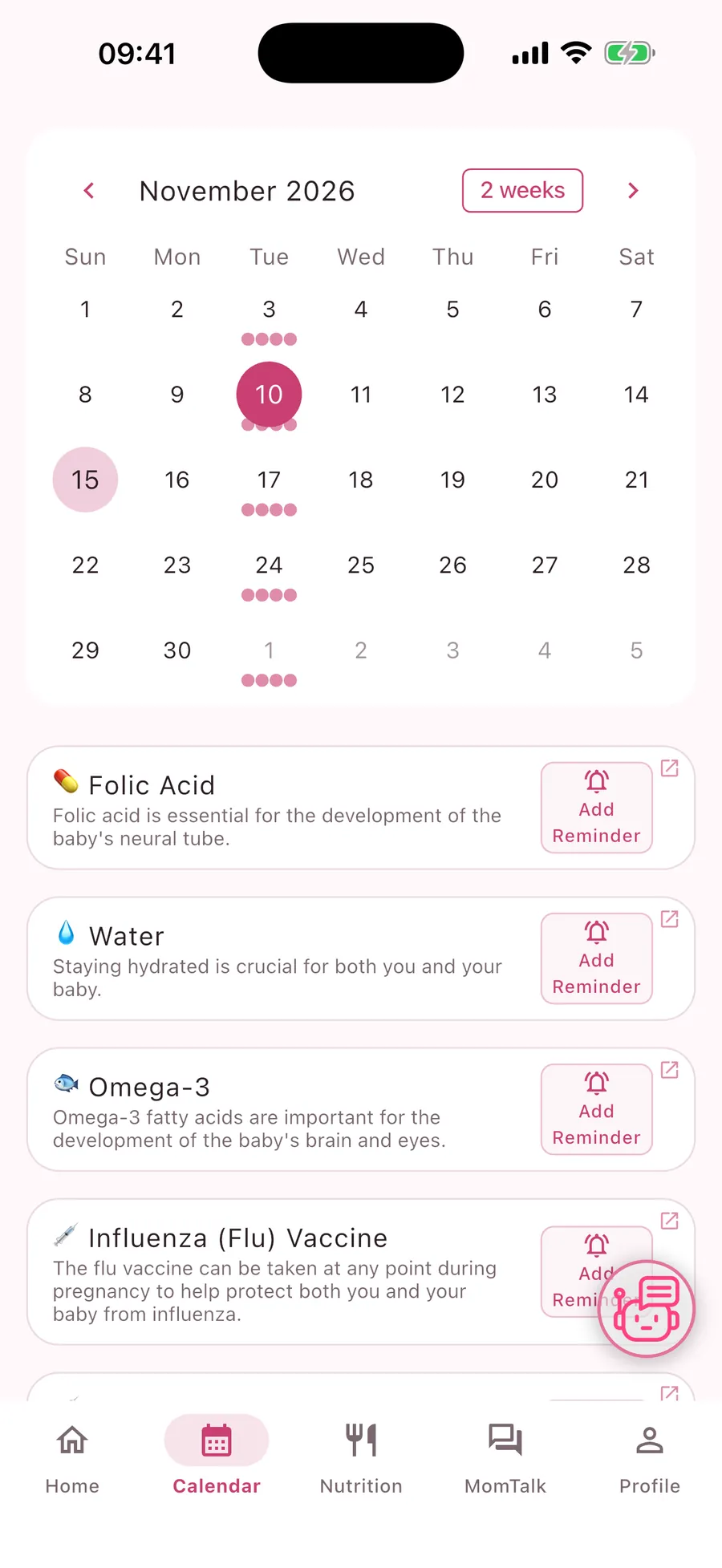
Calendar and reminders
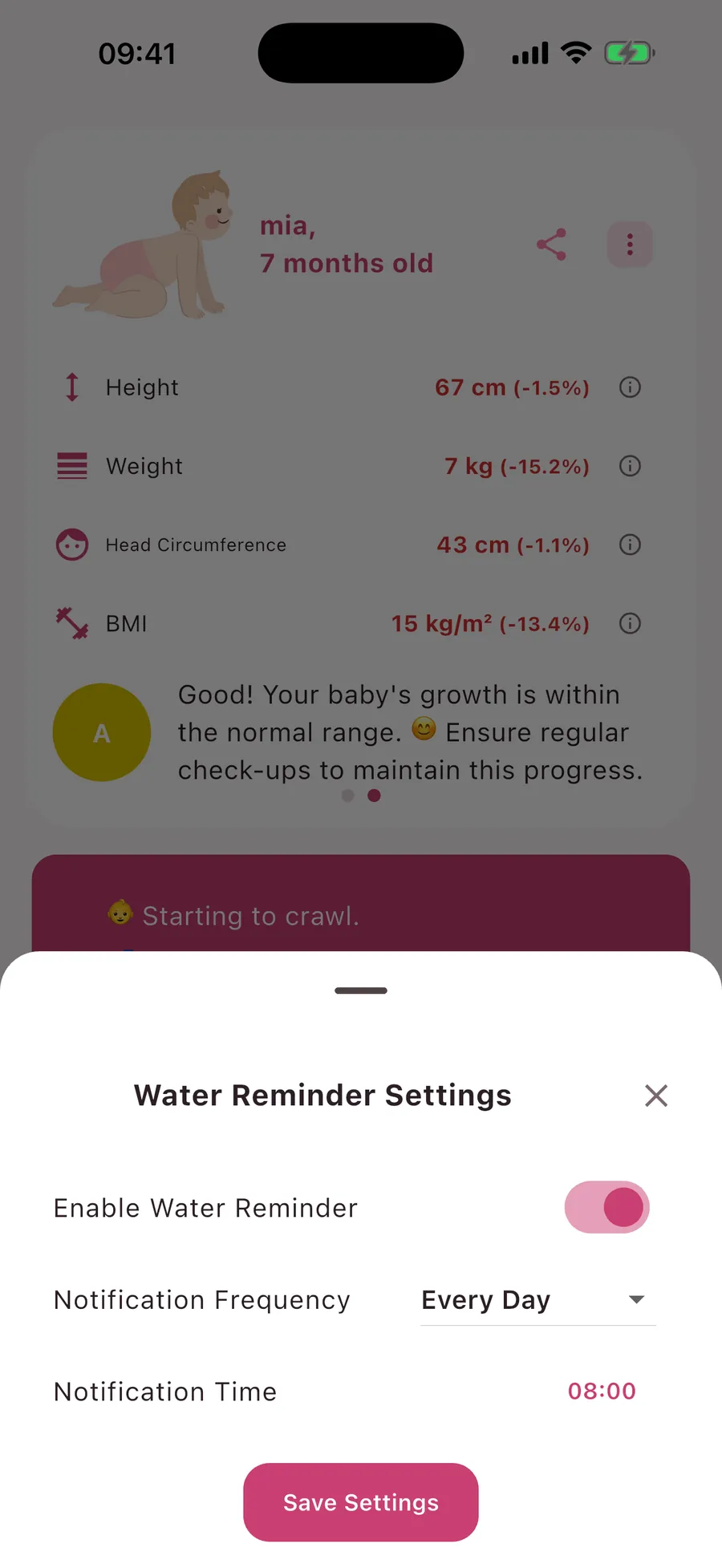
Tests, vaccines and vitamins in one calendar, with reminders at the time you choose.
- Water reminder every few hours
- Custom reminders for check-ups and tests
- Notifications only if you allow them
How it works
Ready in a minute
- 01
Download Baby Sitter
Free on the App Store and Google Play. No account or email needed.
- 02
Choose pregnancy or baby
Enter your due date or the first day of your last period, or add your baby’s name and birth date.
- 03
Open it each day
See this week’s changes, your reminders and the newest MomTalk posts.
Community
MomTalk: ask moms like you
Questions, polls and real experiences
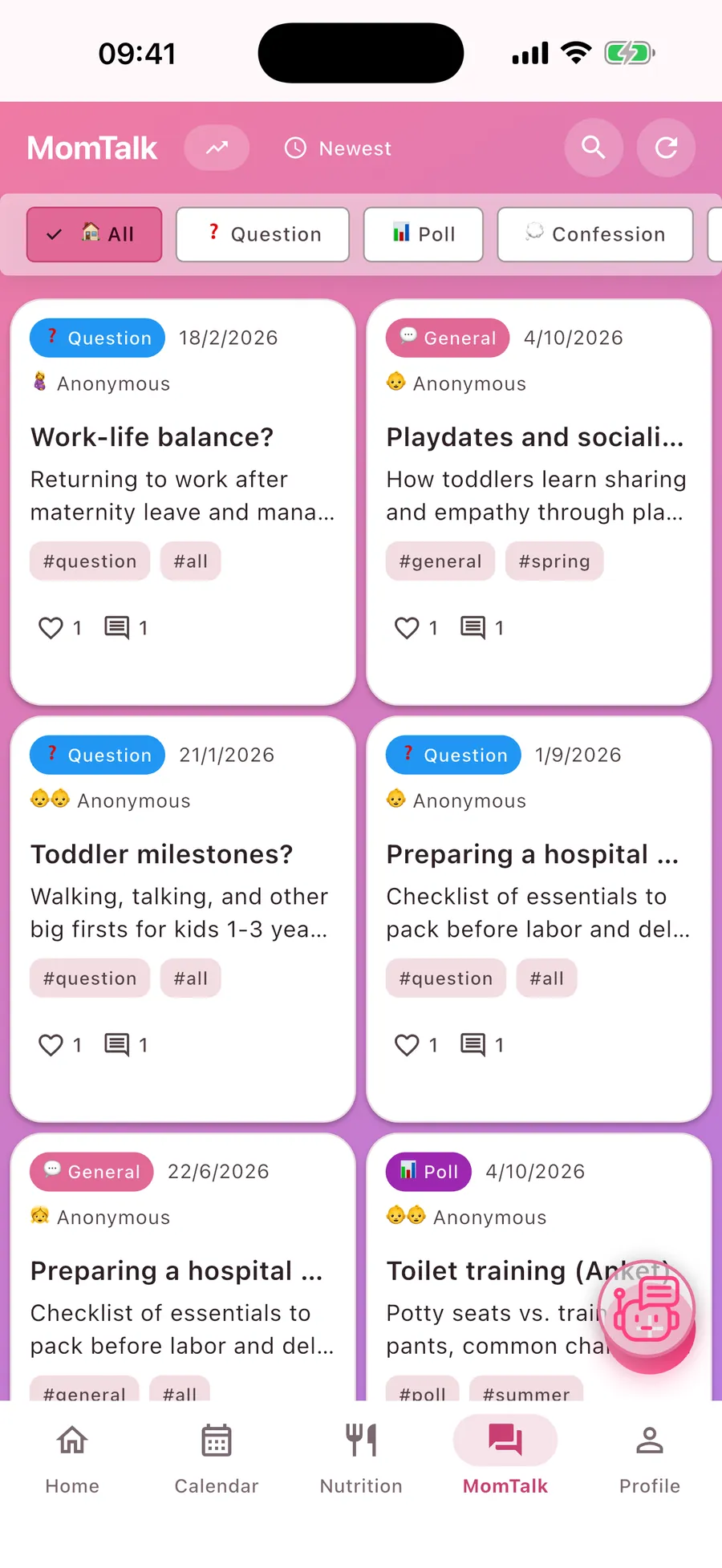
Ask a question, start a poll or share what you are going through. Other moms answer in the comments.
- Post under a nickname or stay anonymous
- Filter by questions, polls and confessions, sort by newest or popular
- Report and block tools keep the community safe
- Posts in your own language
Premium
Free to use, Premium if you want more
What Premium adds
Everything above is free. Premium is an optional subscription, monthly or yearly.
- No ads
- Ask the AI assistant without the daily limit
- Set water and custom reminders without watching an ad
- Cancel anytime in your App Store or Google Play account
Frequently asked questions
Is Baby Sitter free?
Yes. You can download and use Baby Sitter for free. Premium is an optional monthly or yearly subscription that removes ads and the daily AI assistant limit.
Do I need an account?
No. The app is ready as soon as you open it; no email or password is needed.
Which phones does it work on?
iPhone and Android phones. Download it from the App Store or Google Play.
Which languages is the app in?
Baby Sitter is available in 15 languages, including English, Turkish, German, Spanish, French and Arabic. It follows your phone’s language, and you can change it in the app settings.
Can I keep using it after my baby is born?
Yes. When your baby arrives, the app switches to baby tracking: growth, tests and vaccines, nutrition and monthly development.
Is the AI assistant a doctor?
No. It gives general information for everyday questions. It is not medical advice and does not replace your doctor or midwife.
Who can see my MomTalk posts?
Other Baby Sitter users. You can post under a nickname or anonymously, and you can report or block posts and users.
How do I cancel Premium?
Subscriptions are managed by Apple or Google. You can cancel anytime in your App Store or Google Play account settings.
How do I delete my data?
In the app, open Profile, then Settings, and choose Delete All Data. Details are on our Account and Data Deletion page.
Download Baby Sitter
Free on iPhone and Android. Open the app, choose pregnancy or baby, and you are ready.